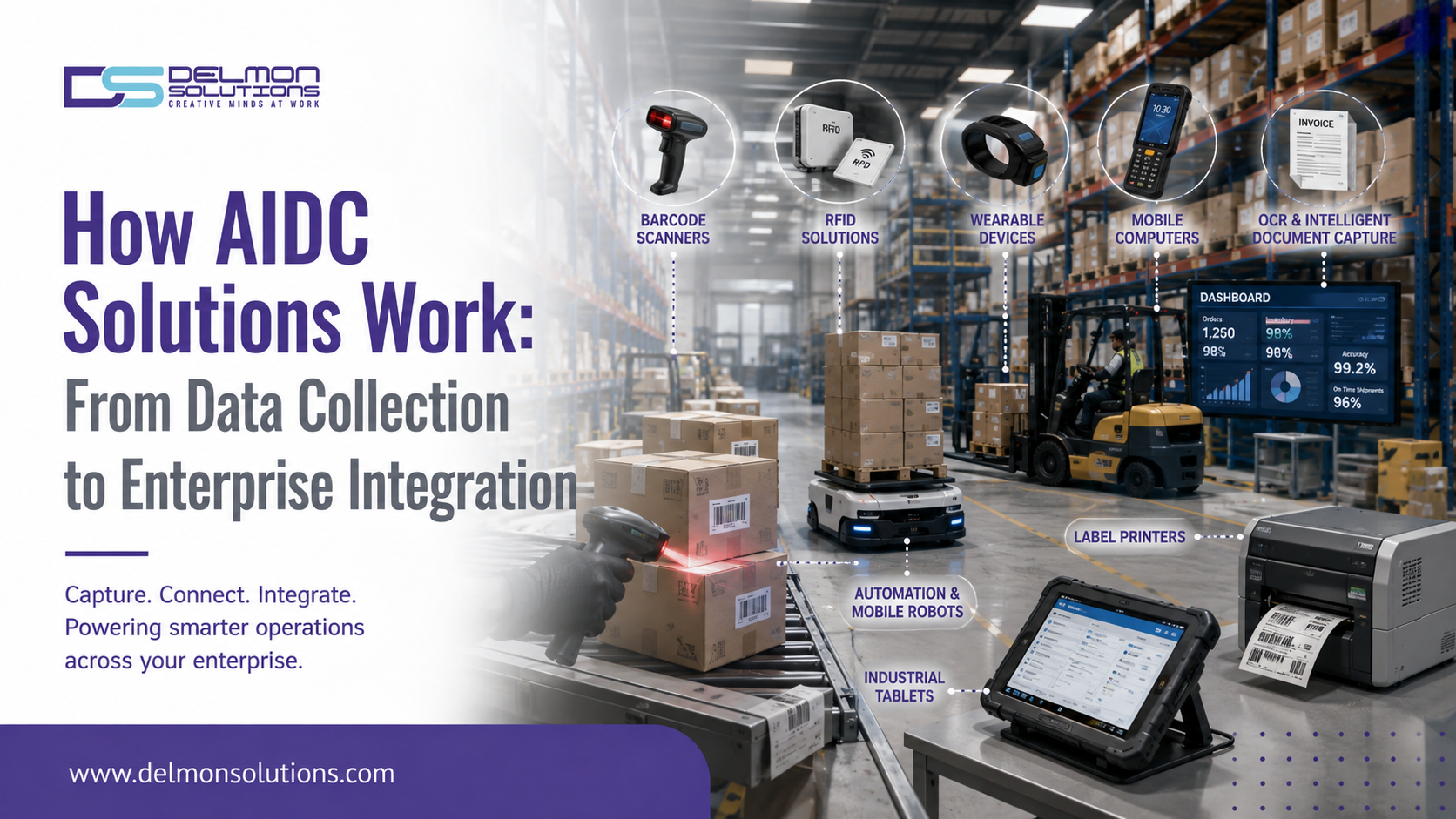
Every AIDC product does a specific function. None of these actions, by themselves, constitute a complete AIDC solution.
The real value of Automatic Identification and Data Capture comes from what happens after information is captured.
A well-designed AIDC system creates a continuous data flow:
Identify → Capture → Transmit → Validate → Integrate → Analyze → Act
This is what enables businesses to move from manual data entry to connected operational workflows.
AIDC technologies automatically identify objects or information and transfer captured data into computer systems, reducing the need for manual entry.
The AIDC Data Journey
Think of AIDC as a digital supply chain for information.
| Stage | What happens |
| Identification | An item, asset or document receives an identifier |
| Capture | A device reads the information |
| Transmission | Data moves through a network |
| Processing | Software validates and structures it |
| Integration | Data reaches business applications |
| Analysis | Information becomes operational insight |
| Action | The business system or employee responds |
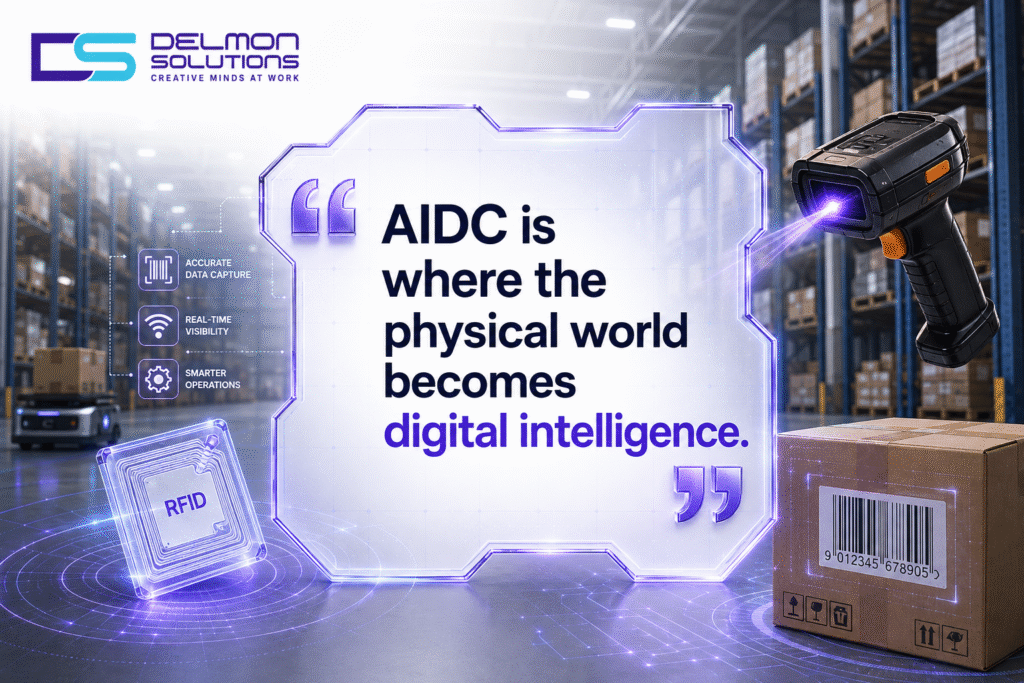
Let’s examine each stage.
Stage 1: Identification
Before information can be captured, the business needs a way to identify the object.
Depending on the use case, this could be:
- 1D barcode
- 2D barcode
- QR Code
- RFID tag
- NFC tag
- Biometric identifier
- OCR-readable document
- Serial number
The identifier acts as the bridge between the physical object and its digital record.
For example, a manufacturing component could have a barcode containing its part number and serial number.
When that barcode is scanned, the enterprise system can retrieve the corresponding record.
Stage 2: Data Capture
The second stage is where the physical identifier becomes digital information.
Different technologies are suited to different environments.
Barcode Scanners: Barcode scanners optically read machine-readable symbols and convert them into digital data.
RFID Readers: RFID readers communicate with RFID tags using radio frequency technology. This allows businesses to identify tagged items without requiring the same direct line-of-sight scanning workflow as conventional barcodes.
Mobile Computers: Mobile computers combine data capture with computing, communication and enterprise applications.
OCR: OCR converts text contained in images or documents into machine-readable information.
Computer Vision: AI-enabled computer vision can identify multiple objects, codes or text elements from images.
The appropriate technology depends on factors such as speed, distance, environment, data density and operational workflow.
Stage 3: Data Transmission
Capturing data is only useful if the information reaches the system that needs it.
AIDC devices may transmit information using:
- Wi-Fi
- Bluetooth
- Ethernet
- Cellular connectivity
- Private wireless networks
- Cloud connectivity
Consider a warehouse worker scanning a product during receiving.
The scanner captures the barcode.
The mobile computer transmits the identifier.
The application sends the information to the warehouse system.
The inventory record is updated.
The worker receives confirmation.
The entire transaction can happen within seconds.
Stage 4: Data Processing and Validation
Raw captured data is not always ready to enter an enterprise system.
This is where middleware or application software becomes important.
A processing layer can:
- Validate identifiers
- Remove duplicate events
- Format information
- Apply business rules
- Match records
- Detect exceptions
- Route information to the correct application
For example, suppose a warehouse receives a product with an invalid or unknown barcode.
Instead of silently entering incorrect information into inventory, the system can flag the transaction for review.
This is an important distinction.
Automation without validation can simply automate bad data.
Stage 5: Enterprise Integration
This is where AIDC becomes strategically important.
Captured information can be integrated with systems such as:
- ERP
- WMS
- MES
- CRM
- TMS
- Inventory Management Systems
- Asset Management Systems
- E-commerce platforms
Consider a dispatch workflow.
Barcode scan → shipment identification → WMS update → inventory adjustment → ERP update → shipping confirmation
The employee does not have to manually update multiple systems.
One data capture event can trigger multiple digital actions.
Stage 6: Analytics and Decision-Making
Once AIDC data reaches enterprise systems, it can become a source of operational intelligence.
Businesses can analyze:
- Inventory movement
- Stock accuracy
- Order cycle time
- Asset utilization
- Picking productivity
- Shipment status
- Production traceability
- Equipment movement
- Error rates
This is where AIDC moves beyond automation.
The system is no longer just recording what happened. It helps businesses understand why it happened and what should happen next.
AIDC in a Warehouse: A Practical Example
Consider a warehouse receiving 2,000 units of inventory.
Traditional process
The employee checks documents, manually enters information and updates inventory.
This creates multiple opportunities for:
- Typing errors
- Duplicate entries
- Delayed updates
- Lost paperwork
- Incorrect quantities
AIDC-enabled process
The employee scans each item or pallet.
The system:
- Reads the identifier
- Retrieves the product record
- Validates the information
- Updates the WMS
- Adjusts inventory
- Records the transaction
- Generates an exception if something does not match
The technology is not simply replacing typing.
It is redesigning the information flow.
Why Integration Determines AIDC ROI
A business can invest in sophisticated scanners and still achieve disappointing results if the devices operate as isolated tools.
A successful AIDC deployment therefore needs to answer three questions:
1. What data needs to be captured?
Not every process requires RFID, AI or high-end scanning equipment.
2. Where does the data need to go?
The answer could be a WMS, ERP, MES, CRM or another business application.
3. What should happen after the data arrives?
This determines whether the system merely records an event or actually automates a business process.
Industry Applications of AIDC
Manufacturing: AIDC can support component tracking, work-in-progress identification, production traceability and quality control.
Warehousing: Barcode and RFID systems support receiving, put-away, picking, packing and dispatch.
Retail: AIDC supports inventory management, POS operations, product identification and stock reconciliation.
Healthcare: Barcode and RFID systems can support patient identification, medication administration and equipment tracking.
Logistics: AIDC helps track packages, shipments, pallets and returnable assets.
The Numbers Behind Intelligent Document Processing
The same evolution is occurring in document-based AIDC.
Fortune Business Insights estimates the global intelligent document processing market at USD 10.41 billion in 2025, with a projected value of USD 88.91 billion by 2034, representing a 26.8% CAGR.
This demonstrates the growing demand for systems that do more than capture information. Businesses increasingly want technologies that can understand and route that information.
What Is the Future of AIDC Integration?
The next generation of AIDC will increasingly combine:
Physical identification + AI + connectivity + enterprise software + analytics
A barcode scanner will not simply return a number.
A mobile computer will not simply display an application.
An RFID reader will not simply detect a tag.
Together, these technologies can become part of an intelligent operational system.
Frequently Asked Questions
What is an AIDC system?
An AIDC system combines identification technologies, data capture devices, software, connectivity and enterprise integration to automate the collection and movement of business data.
How does a barcode scanner integrate with a WMS?
A scanner captures the barcode and sends the identifier to an application or middleware layer, which can validate and transmit the information to the WMS.
What is AIDC middleware?
AIDC middleware acts as an intermediary between data capture devices and enterprise applications. It can filter, transform, validate and route captured information.
Can AIDC systems integrate with ERP software?
Yes. AIDC solutions can be integrated with ERP platforms to automate inventory updates, production records, asset tracking and other workflows.
Why is AIDC better than manual data entry?
AIDC can reduce manual effort, accelerate transactions and improve data consistency by capturing information directly from machine-readable identifiers or documents.
Connect Your Data Capture to Your Business Operations
Delmon Solutions helps organizations select AIDC hardware and data capture technologies that fit their operational environment.
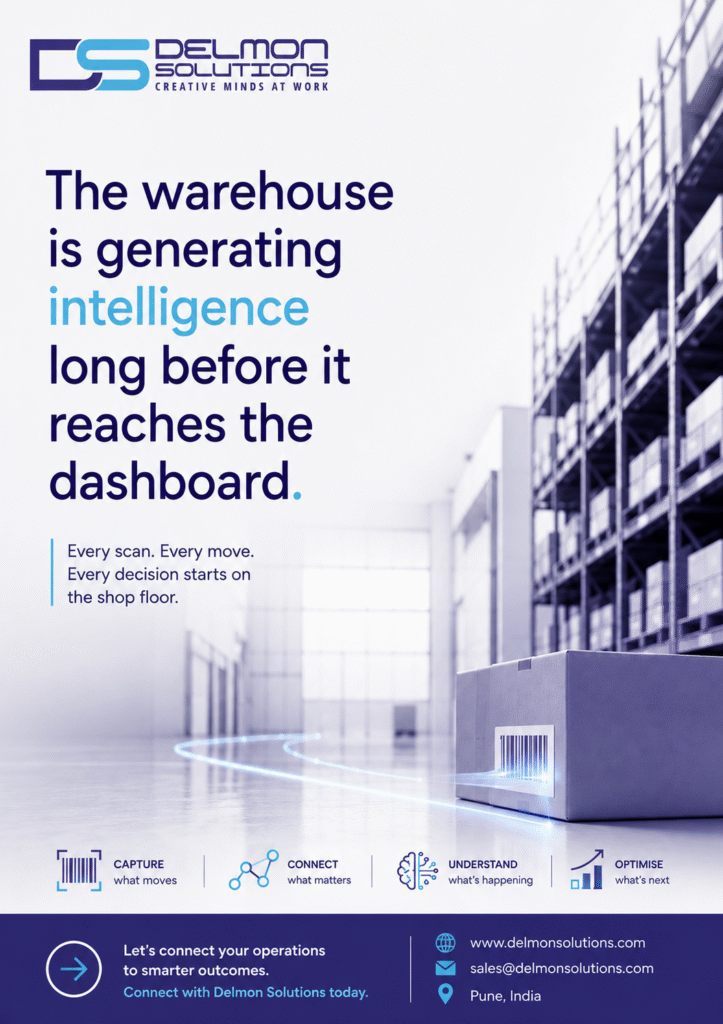
From barcode scanners and industrial mobile computers to inventory and asset-tracking applications, Delmon can help you move from isolated scanning devices to a more connected data capture workflow.
If your scanners capture data but your systems still depend on manual updates, it may be time to rethink your AIDC architecture. Talk to Delmon Solutions.