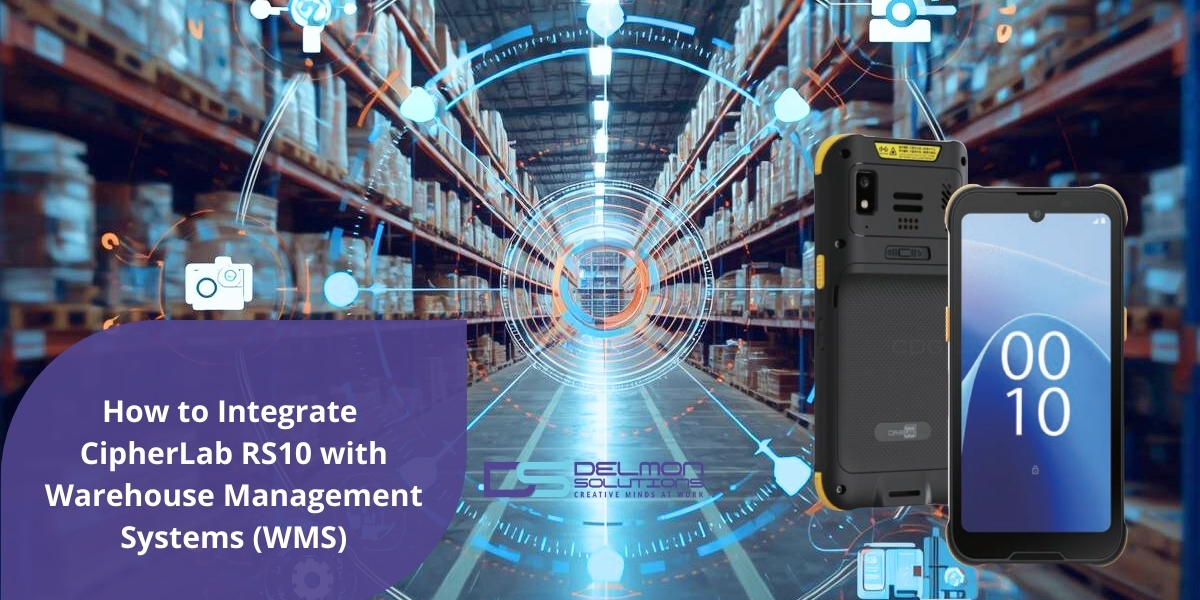
Modern warehouse operations depend on accurate and timely data. In many warehouses I have worked with, the difference between an efficient operation and a struggling one often comes down to how quickly inventory data moves from the warehouse floor into the warehouse management system.
Wearable computing devices such as the CipherLab RS10 allow warehouse teams to capture barcode data directly during operational workflows. When these devices are connected properly with warehouse management systems, every scan performed on the warehouse floor can immediately update inventory records, support picking operations, and improve overall visibility.
In this article, I will explain how the CipherLab RS10 can be integrated with warehouse management systems and what organizations should consider when deploying this technology in real warehouse environments.
What is the CipherLab RS10?
The CipherLab RS10 is a wearable Android mobile computer designed for warehouse and logistics environments. The device is typically paired with a ring scanner, allowing operators to scan barcodes while keeping both hands free for handling products.
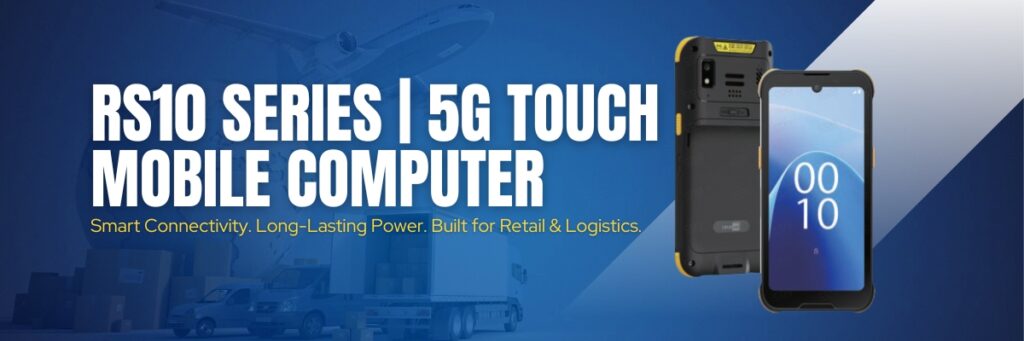
This hands-free setup is particularly useful for warehouse workflows where operators need to move quickly between items and storage locations.
Typical warehouse applications include:
- Order picking
- Inventory counting
- Receiving operations
- Put away processes
- Shipping verification
Because the RS10 runs on an Android platform and supports wireless connectivity, it can run mobile warehouse applications that communicate with warehouse management software in real time.
What is a Warehouse Management System (WMS)?
A warehouse management system is software that manages inventory, warehouse workflows, and order fulfillment operations. It acts as the central system that coordinates how products move through the warehouse.
Warehouse management systems typically manage functions such as:
- Inventory tracking and stock visibility
- Receiving and put away operations
- Order picking and packing
- Shipment processing
- Warehouse performance reporting
When barcode scanning devices are connected to the WMS, warehouse teams can update inventory data instantly as work is performed on the warehouse floor.
Why Integrate CipherLab RS10 with Warehouse Management Software?
In many warehouse environments, operational delays occur when data from warehouse activities is recorded manually or updated after tasks are completed. Integrating wearable barcode devices with warehouse management systems helps eliminate these delays.
Real Time Inventory Visibility
Barcode scans captured on the RS10 are transmitted to the WMS immediately, allowing inventory records to update in real time.
Faster Warehouse Operations
The wearable design allows operators to perform scanning tasks while keeping their hands free for picking and handling products.
Reduced Data Entry Errors
Barcode scanning replaces manual data entry and reduces the likelihood of incorrect inventory updates.
Better Warehouse Productivity
When scanning devices and warehouse software work together, operators spend less time recording data and more time completing operational tasks.
How CipherLab RS10 Integrates with Warehouse Management Systems
In most deployments, the RS10 does not connect directly to the WMS database. Instead, the device runs a mobile warehouse application that communicates with the warehouse management system through APIs or middleware.
A typical integration process includes several steps.
1. Confirm WMS Compatibility
Most modern warehouse management systems provide mobile clients, browser based interfaces, or APIs that allow external devices to interact with the system.
Because the RS10 runs Android, it can support these mobile interfaces and communicate with the warehouse software.
2. Configure Wireless Connectivity
Reliable Wi-Fi coverage is essential for real time warehouse operations. The RS10 typically connects to secure warehouse Wi-Fi networks so that barcode scans can be transmitted immediately to the WMS.
Strong wireless coverage ensures that data captured during picking, receiving, and shipping tasks reaches the system without delay.
3. Deploy a Mobile WMS Application
Most warehouse management systems provide a mobile client application or web interface designed for handheld and wearable devices.
This application runs on the RS10 and allows operators to perform warehouse tasks such as receiving, picking, and inventory updates while communicating with the central WMS.
4. Configure Barcode Workflows
Warehouse workflows are defined by the WMS. The RS10 allows operators to capture barcode data that supports these workflows.
Typical scanning workflows include:
- Scanning item barcodes during picking
- Scanning storage locations during put away
- Scanning cartons or pallets during receiving
- Scanning shipment labels during dispatch
These scans trigger updates within the warehouse management system.
5. Test Operational Workflows
Before full deployment, warehouse teams should test typical operational scenarios to ensure that scans are processed correctly by the WMS.
Testing normally includes:
- Receiving shipments
- Inventory updates
- Order picking verification
- Shipping confirmation
This step ensures that the mobile devices, wireless network, and warehouse software operate together reliably.
Warehouse Operations Supported by RS10 Integration
When the RS10 is integrated with warehouse management software, operators can perform several key warehouse tasks directly from the warehouse floor.
Receiving: Incoming products are scanned during receiving, allowing the WMS to register inventory and assign storage locations.
Put Away: Operators scan storage locations and product barcodes to confirm that items are placed correctly within the warehouse.
Order Picking: Hands-free scanning allows operators to confirm the correct items during picking operations.
Inventory Counting: Barcode scanning simplifies cycle counts and stock audits by updating the WMS instantly.
Shipping” Packages are scanned during dispatch to verify orders before shipment.
Best Practices for Successful RS10 Deployment
Organizations that deploy wearable scanning devices like CipherLab Rs10 successfully usually follow several operational best practices.
- Ensure reliable Wi-Fi coverage throughout the warehouse
- Align barcode workflows with warehouse processes
- Test barcode readability on product labels and packaging
- Train warehouse operators on scanning procedures
- Monitor device performance during early deployment stages
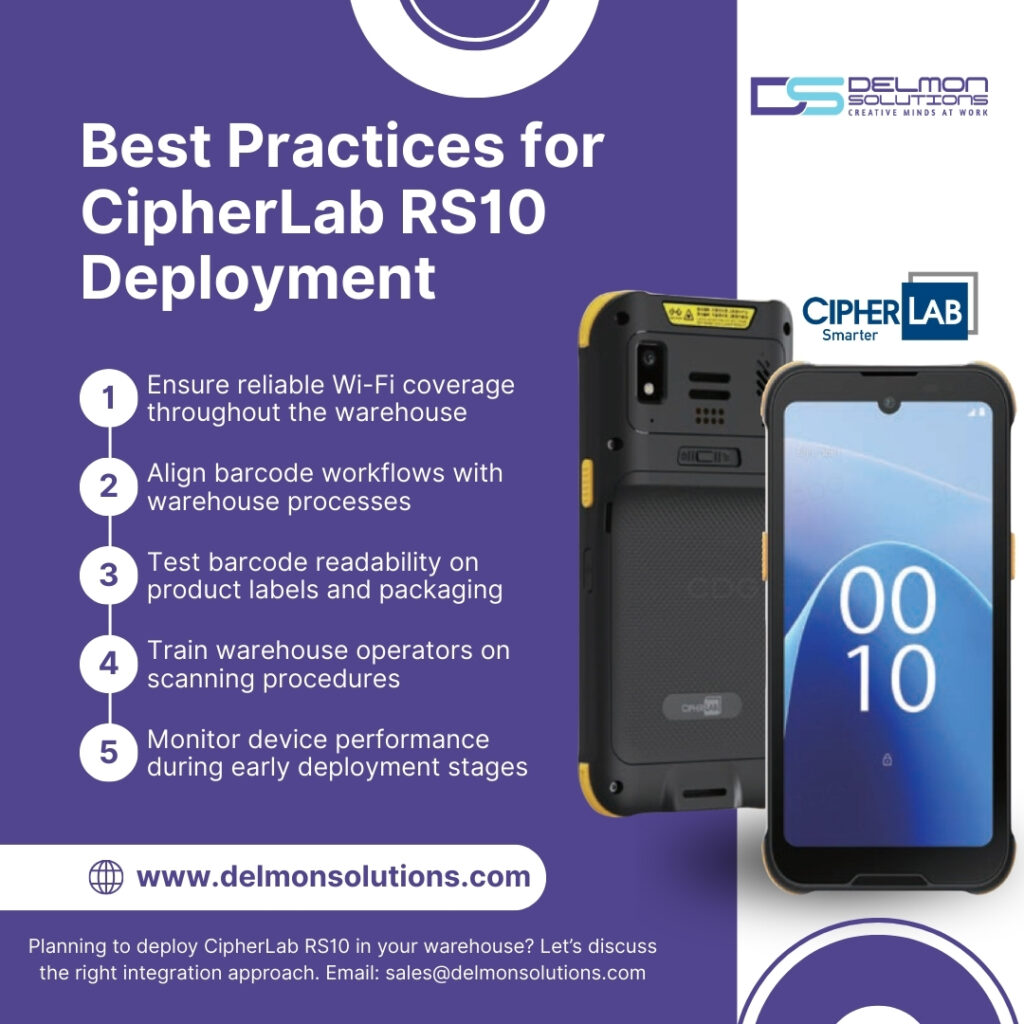
These practices help ensure that the technology improves operations rather than creating additional complexity.
Key Takeaways
Integrating the CipherLab RS10 with warehouse management systems allows organizations to capture operational data directly from warehouse workflows.
By running mobile warehouse applications on wearable devices, warehouse teams can scan items, update inventory records, and support order fulfillment processes in real time.
For warehouses that rely on accurate inventory visibility and fast order processing, wearable scanning devices can significantly improve operational efficiency.
Frequently Asked Questions
Can the CipherLab RS10 work with any warehouse management system?
The RS10 can work with most warehouse management systems that provide mobile applications, browser interfaces, or API connectivity. Compatibility depends on the mobile software used to access the WMS.
What warehouse tasks can be performed using the RS10?
The device is commonly used for receiving shipments, order picking, put away operations, inventory counting, and shipping verification.
Does integrating barcode scanners with warehouse management software improve inventory accuracy?
Yes. Barcode scanning reduces manual data entry and ensures that inventory updates are recorded instantly within the warehouse management system.
Why are wearable scanners used in warehouse environments?
Wearable devices allow operators to scan barcodes while keeping their hands free for handling products. This improves speed and efficiency during picking and packing operations.
Warehouse efficiency often improves significantly when barcode scanning devices are integrated with warehouse management systems.
If your organization is evaluating wearable scanning solutions such as the CipherLab RS10 or looking to improve warehouse workflows through better data capture, our team can help you identify the right approach based on your warehouse environment and operational requirements.