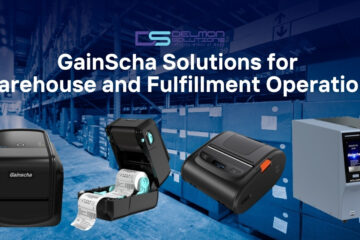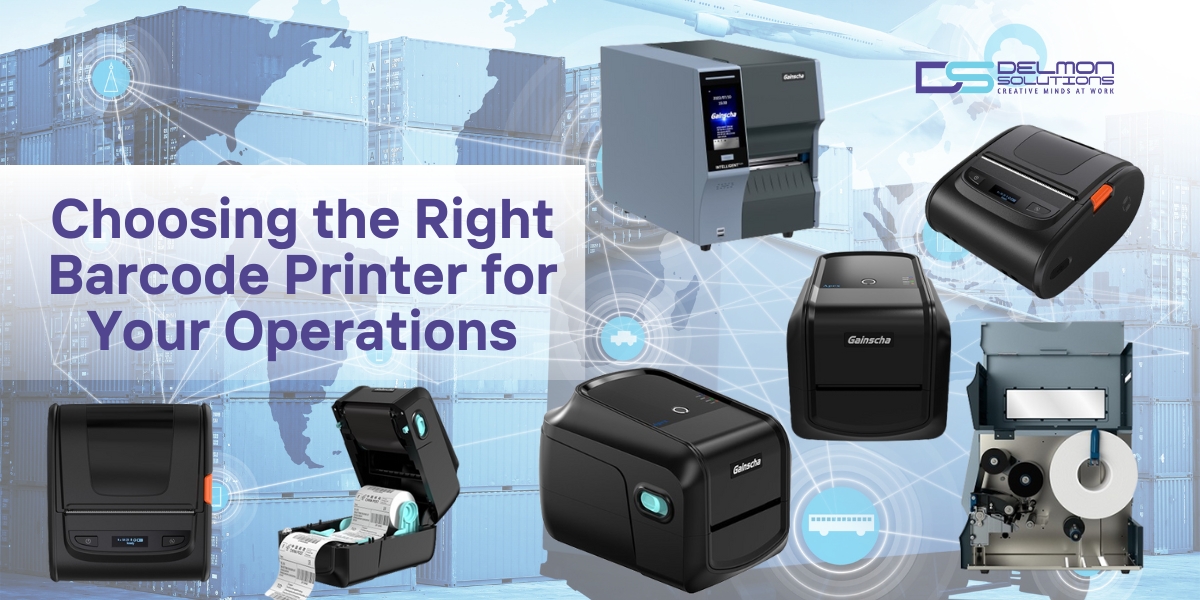
Barcode and RFID printers are critical tools in modern operations across retail, healthcare, manufacturing, warehousing, and logistics. Choosing the right printer impacts efficiency, accuracy, and throughput. An improper choice can slow processes, increase errors, and inflate operating costs.
This guide explains the key differences between four major categories of GainScha printers – Desktop, RFID, Industrial, and Mobile, and helps you match each to your operational needs.
1. Desktop Barcode Printers
GainScha 4-Inch Desktop Barcode Label Printer (TT & DT)
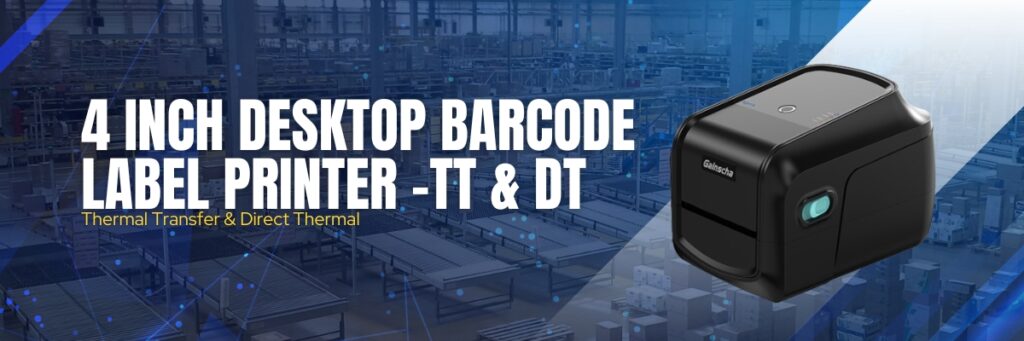
Best For: Retail, Healthcare, Manufacturing, Warehousing & Distribution
Overview:
- Certified linerless labels and clamshell easy-load design
- No need to rewind labels
- Includes BarTender Free Windows driver and design software
- USB Host supports standalone printing and scanner or keyboard input
- Supports Windows, Mac, Linux utilities and Android/iOS SDK
- Top cover protection
Key Specs:
- Resolution: 203 / 300 / 600 DPI
- Speed: Up to 8 in/s
- Printing Width: 25 mm to 100 mm
- Printing Length: 0.5” to 118”
- Interfaces: USB, USB Host, Ethernet, RS-232, Internal Bluetooth, Wi-Fi
- Processor: 400 MHz 32-bit RISC
- Language Emulation: TSPL, EPL, EPL II, ZPL, ZPL II, DPL
Ideal Use Cases:
- Point of Sale (POS) shelf labeling
- Office barcode and graphic printing
- Shipping labels
- Healthcare labeling
- Inventory tags
Why Choose Desktop Printer:
Desktop printers balance cost, ease-of-use, and mid-volume performance. They are compact, reliable, and perfect for daily label printing needs without industrial requirements.
2. RFID Barcode Printers
GainScha 4-Inch Desktop Barcode RFID Printer
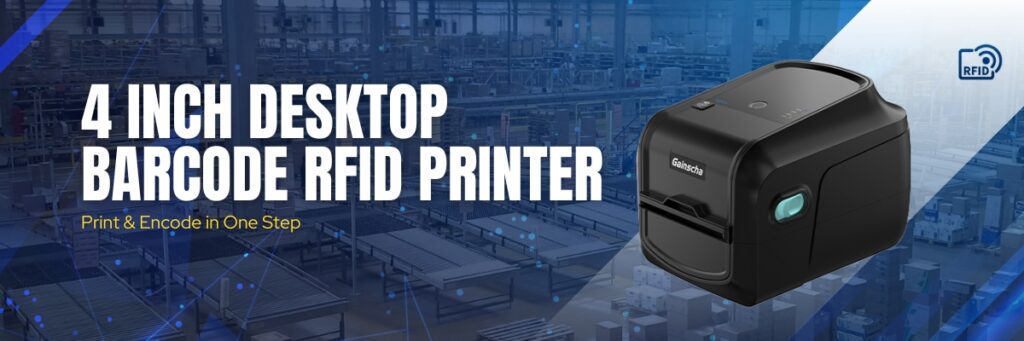
Best For: Retail, Healthcare, Manufacturing, Entertainment & Service Industries
Overview:
- Clamshell design with linerless label support
- Print and encode RFID labels simultaneously
- Handles RFID tags and anti-metal labels
- Built-in counter tracks correct vs wrong labels
- Support RFID password Lock/Unlock
- Compatible with UHF EPC Class1 Gen2 / ISO18000-6C
- Bi-directional USB and network communication for real-time status
Key Specs:
- Resolution: 203 / 300 DPI
- Speed: Up to 8 in/s
- Printing Width: 104 mm to 108 mm
- Printing Length: 267.7” to 600”
- Interfaces: USB, Internal Bluetooth, Internal Wi-Fi (optional)
- Processor: 500 MHz, 32-bit Cortex-M7
- Language Emulation: TSPL, ZPL, ZPL II
Ideal Use Cases:
- RFID tag printing & encoding for inventory visibility
- Asset tracking and anti-metal RFID labeling
- Supply chain traceability
- Compliance tagging
Why Choose RFID Printers:
When you need both print and RFID encoding in one step, RFID printers eliminate separate processes, increase throughput, and ensure accurate tag encoding every time.
3. Industrial Barcode Printers
GainScha 4-Inch Industrial Barcode Label Printer
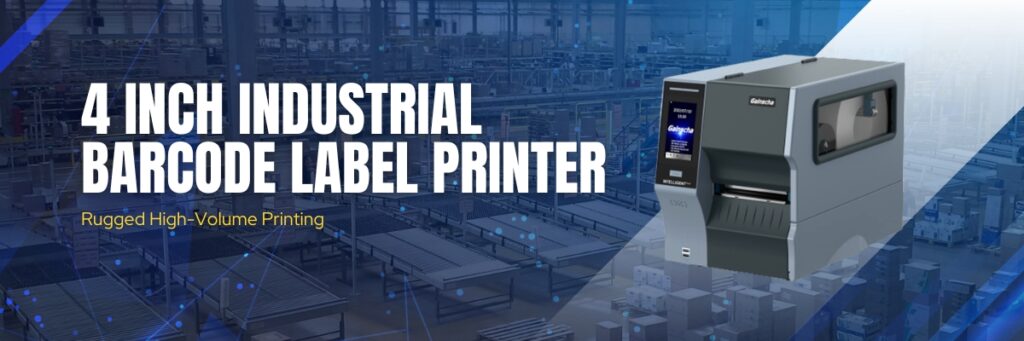
Best For: Manufacturing, Warehousing & Distribution
Overview:
- High-quality touch screen for intuitive control
- Rugged build ideal for heavy duty, continuous operations
- Includes Bartender Free Windows drivers and label design software
- Scalable true type font engine
Key Specs:
- Resolution: 203 / 300 DPI
- Speed: Up to 8 in/s
- Printing Width: 104 mm to 108 mm
- Printing Length: 267.7” to 600”
- Interfaces: USB, USB Host, Ethernet, RS-232, Internal Bluetooth, Wi-Fi, I/O port (optional)
- Processor: 400 MHz 32-bit ARM9
- Language Emulation: TSPL, EPL, EPL2, ZPL, ZPL II, DPL
Ideal Use Cases:
- High volume label production
- Continuous warehouse printing
- Heavy duty industrial tagging
- Networked production environments
Why Choose Industrial Printers:
Built for 24/7 operations, industrial printers deliver higher durability, longer life, and greater networking flexibility for large-scale environments.
4. Mobile Barcode Printers
GainScha Mobile Barcode Label Printer
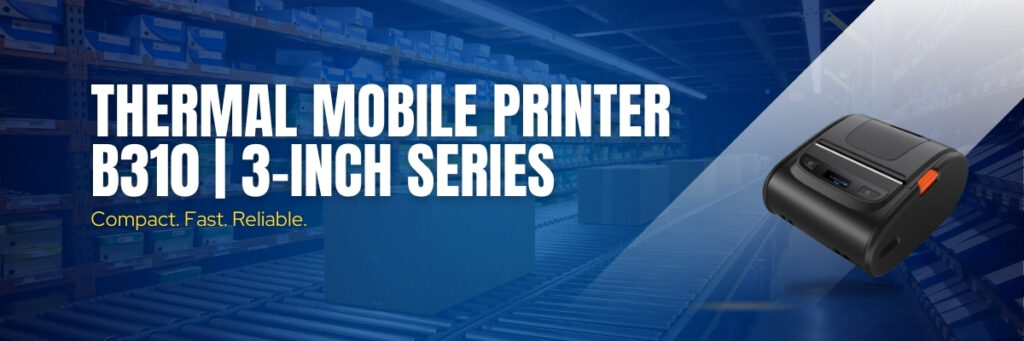
Best For: Retail, Transportation, Manufacturing, Traffic Enforcement
Overview:
- Compact and portable
- Dual receipt and label printing
- Fast printing up to 120 mm/s
- 203 DPI resolution with optional two-color thermal printing
- Multiple connection modes: Bluetooth 4.2, NFC pairing, optional Wi-Fi
Key Specs:
- Resolution: 203 DPI
- Speed: Up to 5 in/s
- Printing Width: 50 mm to 76 mm
- Printing Length: 15 mm to 39”
- Interfaces: USB, Bluetooth, Wi-Fi (optional)
- Processor: 400 MHz 32-bit RISC
- Language Emulation: TSPL, EPL, EPL II, ZPL, ZPL II, DPL
Ideal Use Cases:
- Field labeling and receipt printing
- Mobile asset tagging
- Route deliveries and transportation
- Traffic enforcement printing
Why Choose Mobile Printers:
Mobile printers bring labeling to the point of action, eliminating walk-backs to desktop stations, improving accuracy, and speeding job completion in the field.
Comparing the Four GainScha Printer Types
| Feature | Desktop | RFID | Industrial | Mobile |
| Print & Encode RFID | No | Yes | Optional | No |
| Heavy Duty | No | Medium | Yes | No |
| Portability | No | No | No | Yes |
| Network Ready | Yes | Yes | Yes | Optional |
| Best For | POS, Office | Inventory/Asset Tracking | High Volume | Field Operations |
How to Choose a Barcode Printer Based on Your Needs
You Should Choose a Desktop Printer If:
- You need reliable mid-volume printing
- Your application is retail, shelf labeling, or shipping tags
- Space is at a premium and simplicity matters
Choose an RFID Printer If:
- You require RFID tag printing and encoding
- You want enhanced supply chain visibility
- You need UHF Gen2 standard support
Choose an Industrial Printer If:
- You have large-scale operations
- You require continuous uptime and durability
- You need enterprise network connectivity
Choose a Mobile Printer If:
- Your workers need printing on the go
- You must support field service, transport, or enforcement use
Conclusion
Selecting the right barcode printer should be driven by usage context, volume, and connectivity needs. GainScha’s portfolio offers options from compact desktop units to rugged industrial models and mobile printers that take labeling to the point of use.
Investing in the correct printer improves accuracy, speed, and operational efficiency and makes a measurable impact on your bottom line. Send your enquiry now.